

SurfIAI Jobs Assistant · Chrome Extension
Works directly on job sites as a Chrome plugin
Tailor your resume while you’re on the job posting.
SurfIAI Jobs Assistant is a Chrome extension that reads the job requirements on the page, tailors your resume to match, and helps you move from “I should apply” to “Submitted” faster.
On-page job parsing
ATS-friendly alignment
Ready-to-submit output

One plugin. Every job board.
Install once. Then tailor every application right where you’re browsing.
How it works (Chrome extension flow)
SurfIAI is designed to work where you’re already applying — inside Chrome — so the job requirements are always in context.
Step 1
Open a job posting
Go to any job page (Indeed, LinkedIn, company ATS, etc.). SurfIAI reads the page content directly.
Step 2
Click the SurfIAI icon
The extension extracts key responsibilities, required skills, and role language that recruiters screen for.
Step 3
Generate tailored output
Your resume content is rewritten to align with the posting while staying clean, honest, and readable.
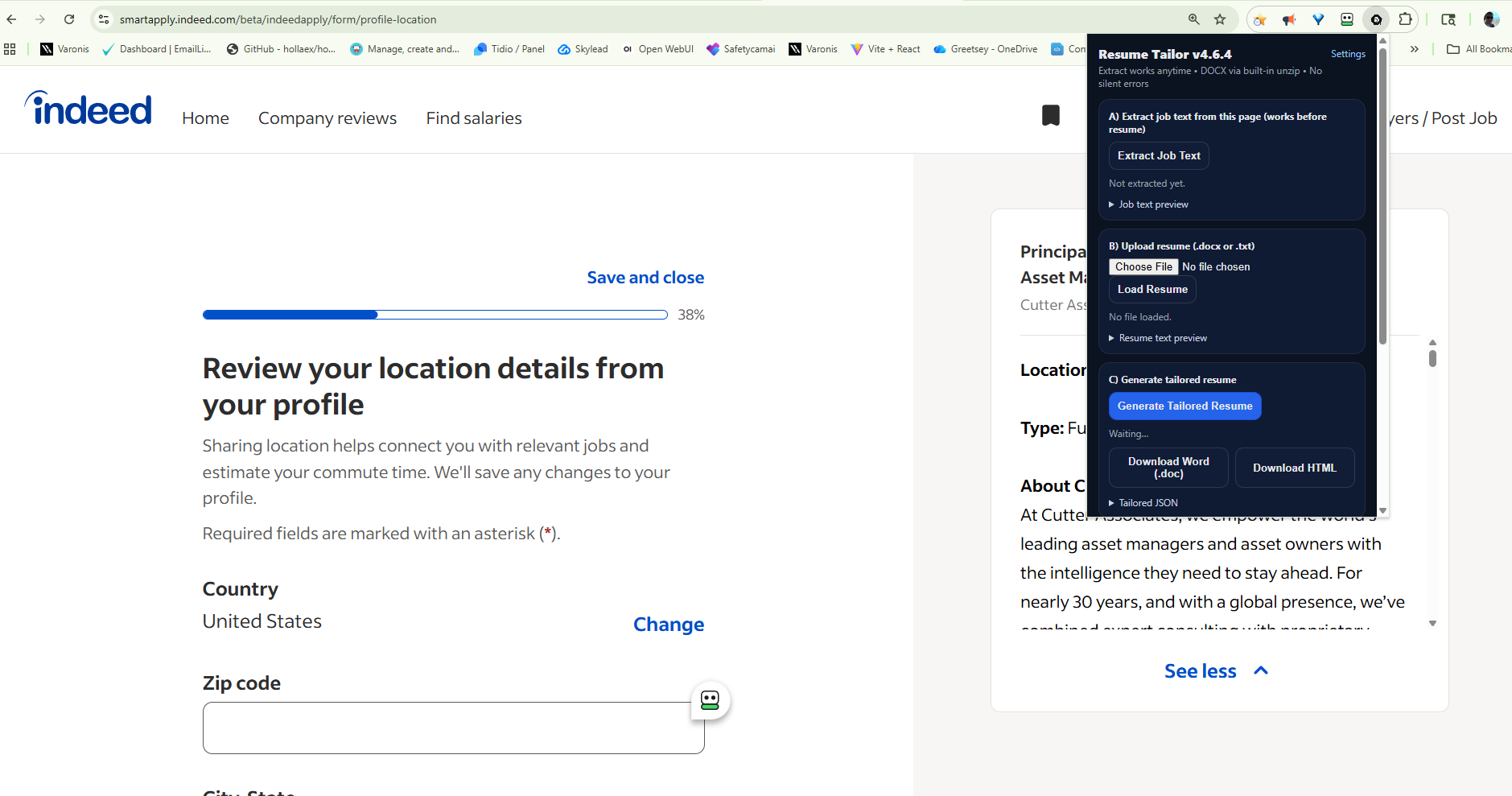
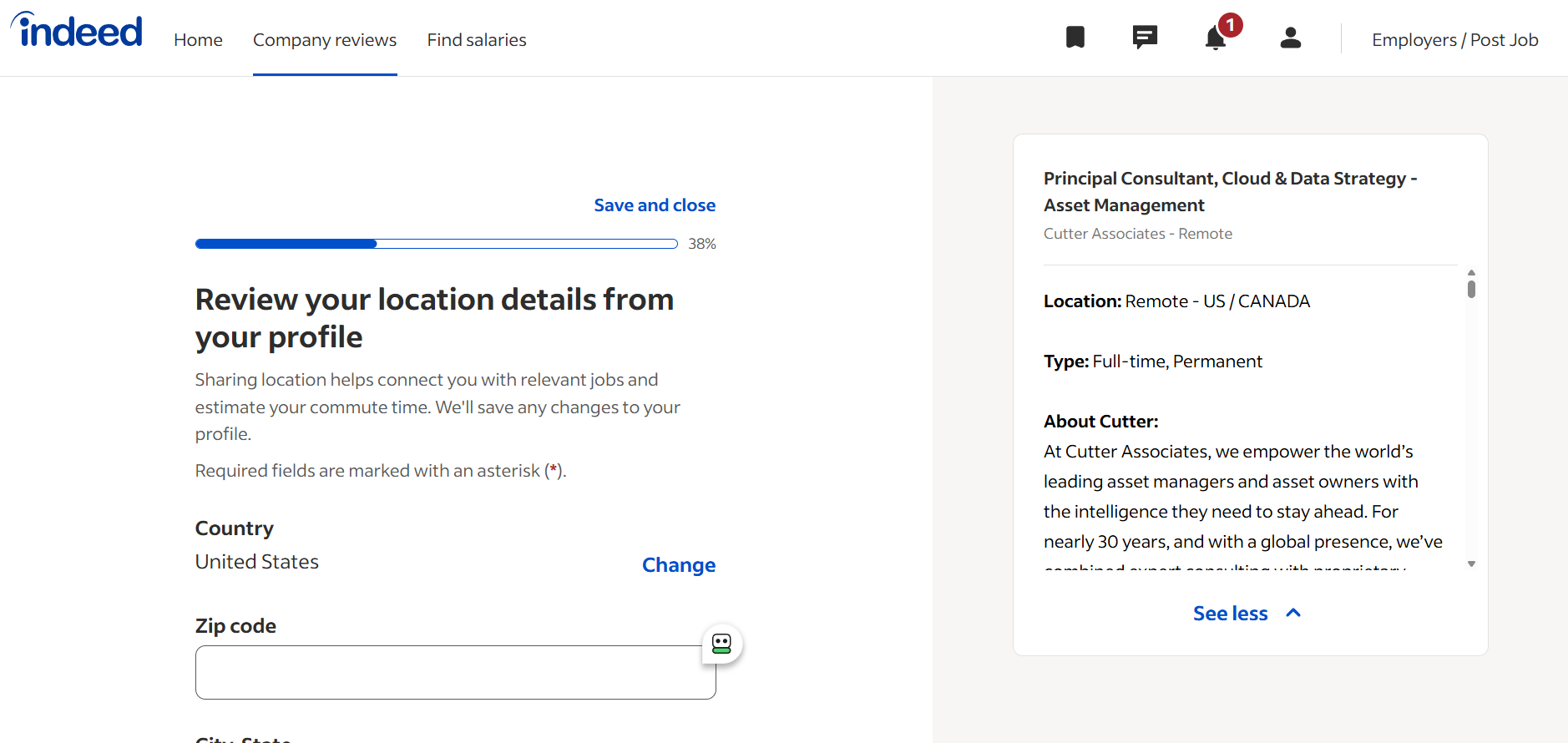
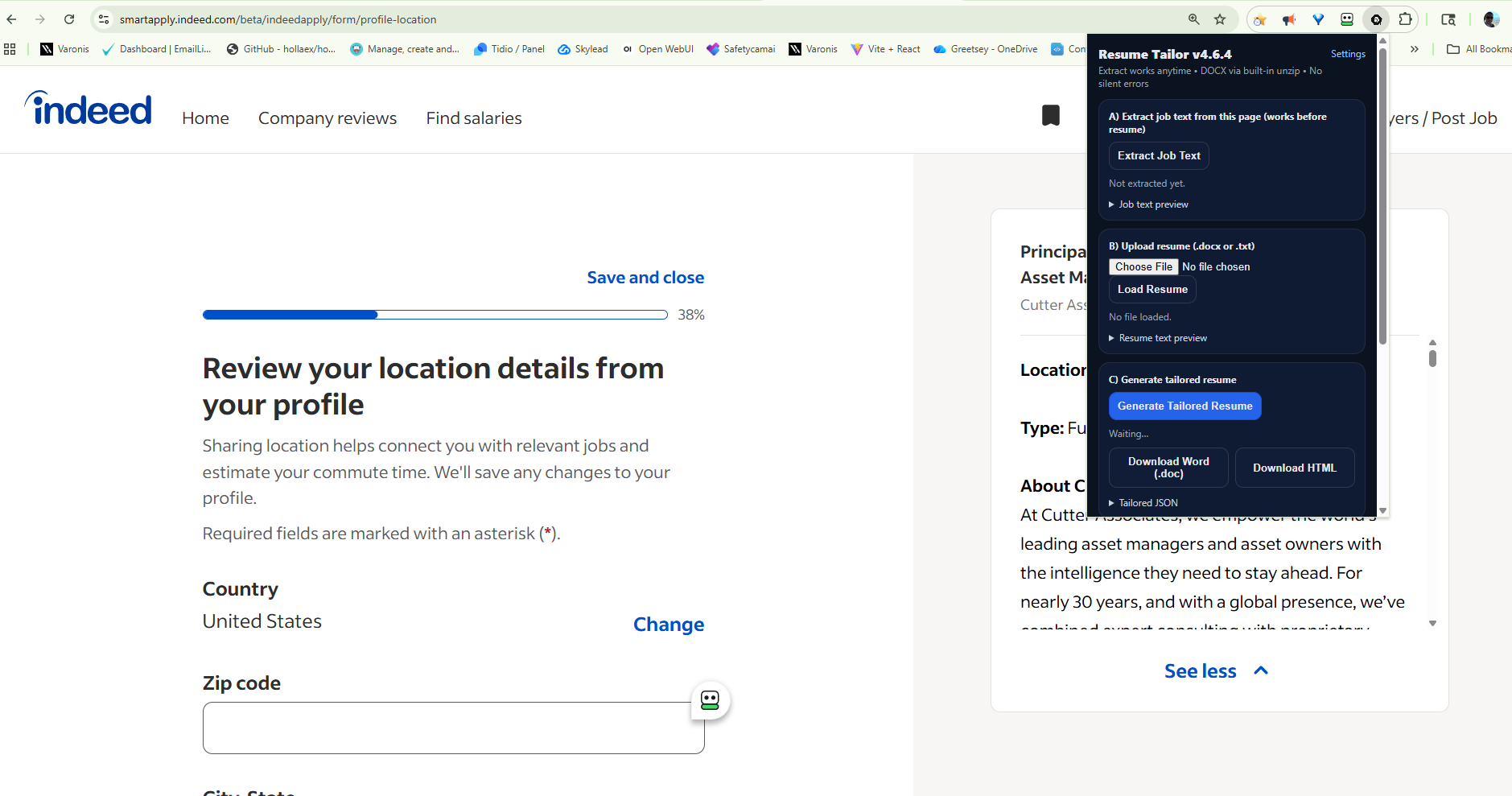
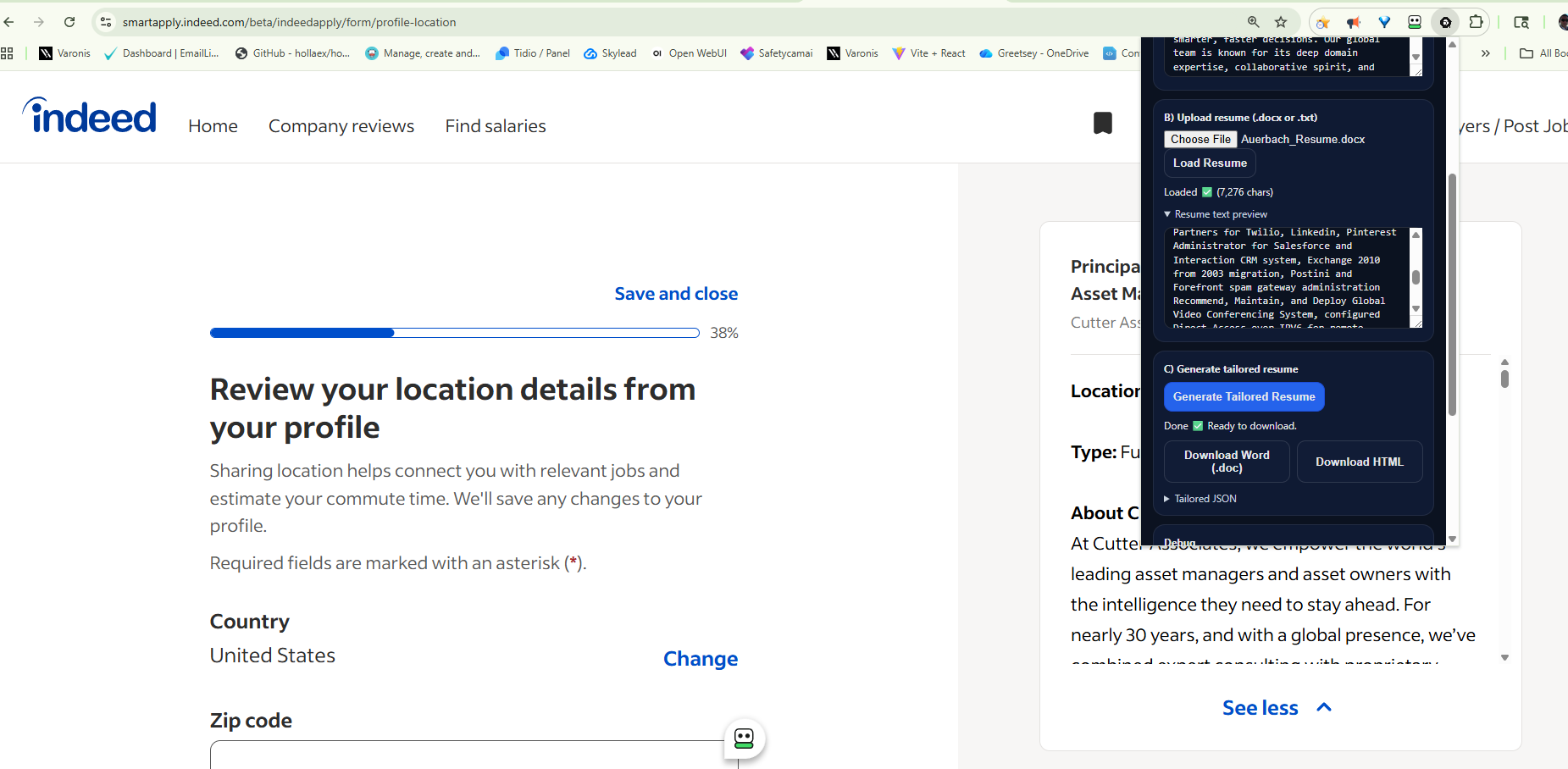
Product screens
Your screenshots, presented in a clean light UI that stays readable while still feeling premium.


Get the plugin and start applying faster today.
Checkout takes seconds. Install the extension, pin it, and use it on any posting.
Get the SurfIAI Chrome Plugin
This button goes straight to checkout at checkout.safetycamai.com.
Checkout → Install → Pin
After checkout, install the extension in Chrome and pin it to your toolbar for one-click access.
1
Purchase on checkout.safetycamai.com
Complete checkout to unlock the Chrome plugin.
2
Install the extension
Add it to Chrome and accept the install prompt.
3
Use it on any job posting
Open a posting, click SurfIAI, generate the tailored resume, and apply.
Install once. Use it everywhere.
SurfIAI is built for speed: tailor in-context, apply faster, get more callbacks.