

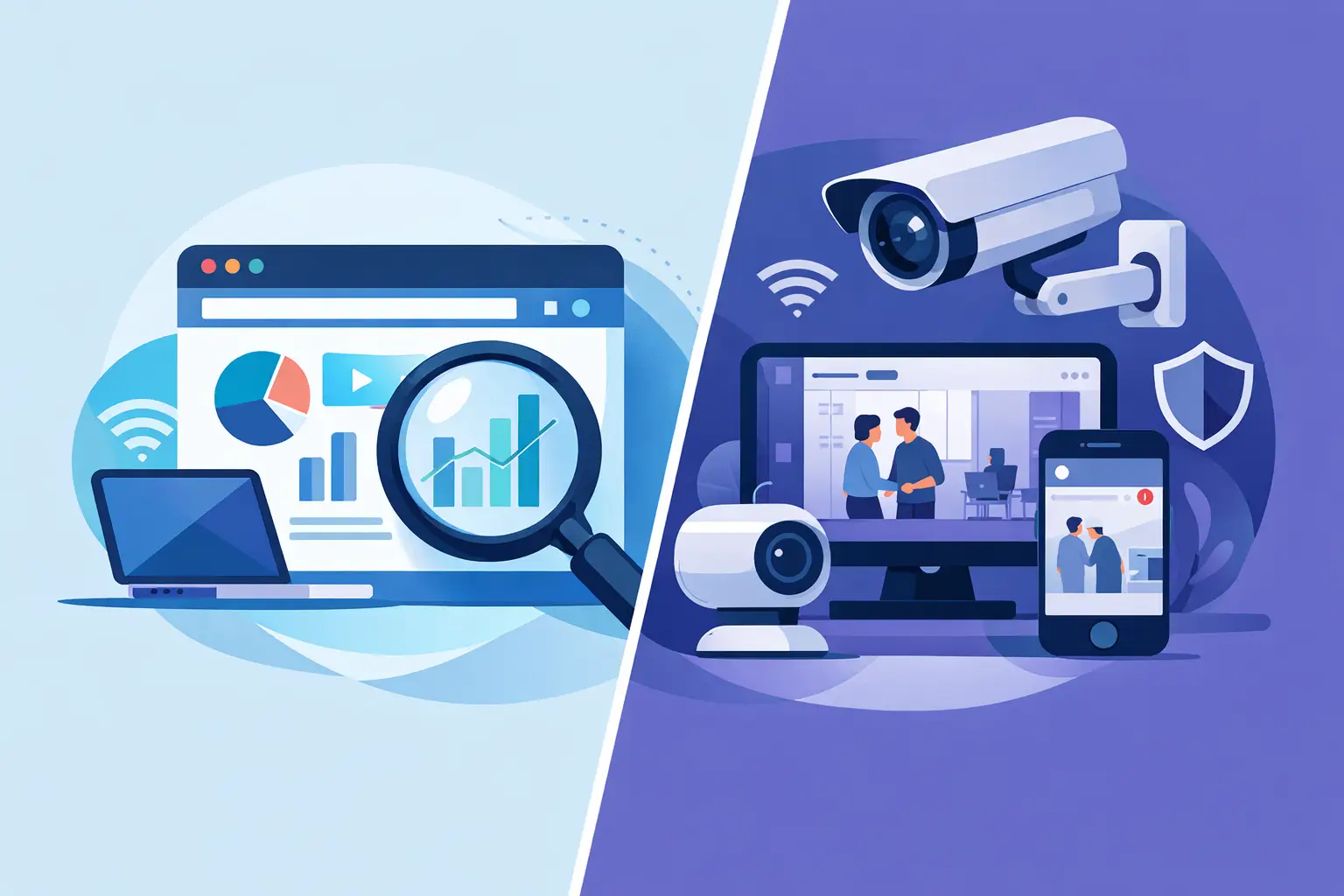
When an incident is already moving, the wrong technical choice costs time twice – once during setup, and again during review. That is why the question of chrome monitoring extension vs camera integration matters so much for investigators, security teams, and property managers who need to verify a face, assess risk, and document what happened without stalling operations.
At a glance, both approaches can support image-based monitoring. But they solve very different operational problems. A Chrome-based monitoring workflow is usually faster to deploy, easier to control at the user level, and better suited to teams that work from live dashboards, VMS screens, social posts, and browser-accessible CCTV feeds. Camera integration, by contrast, is usually deeper, more centralized, and more dependent on infrastructure, IT alignment, vendor compatibility, and ongoing maintenance.
If your goal is to turn photos and CCTV frames into actionable safety signals, the better option depends less on abstract technology preferences and more on where your team actually does its work.
Chrome monitoring extension vs camera integration: what changes in practice
The biggest difference is where the monitoring layer lives. A Chrome monitoring extension operates at the screen or browser level. It can help users review what is already being displayed in a browser-based environment, capture frames, and move quickly into a verification workflow. That is valuable when teams already rely on web-based camera portals, incident review dashboards, access logs, property management tools, or social content visible in the browser.
Camera integration lives inside or alongside the camera ecosystem itself. It often means connecting directly to camera hardware, a video management system, or an NVR environment. This can provide more persistent automation, but it also introduces more dependencies. Every dependency creates a decision point: which camera vendors are supported, who manages credentials, how footage is routed, what approvals are required, and who owns maintenance when something breaks.
That trade-off matters because many professional users do not need a full rebuild of their camera stack. They need a faster path from image capture to review, validation, and escalation.
Where a Chrome-based workflow wins
For many frontline teams, speed of deployment is the deciding factor. A Chrome extension can often fit into existing workflows without asking operations to replace cameras, reconfigure networks, or wait for a hardware project. If a property manager is already reviewing lobby or parking footage through a browser portal, a screen-based workflow can be practical almost immediately.
This is especially useful in distributed environments. A regional property group, a contract investigation team, or a corporate security function with multiple sites may not control every camera system directly. They may inherit a mix of vendors, portals, and user permissions. In that reality, browser-level monitoring is often more realistic than demanding a clean integration across every location.
There is also a workflow advantage in review and triage. Investigators rarely work from camera feeds alone. They move between CCTV, incident reports, screenshots, social posts, tenant complaints, badge events, and exported frames. A browser-centered approach keeps the analyst in the same operating environment, which can reduce friction when the job is to verify quickly and package evidence for a handoff.
Cost and rollout complexity matter too. Camera integrations can become infrastructure projects. Extensions are usually closer to software deployment. That changes procurement, training, and time to value.
Where camera integration still makes sense
There are cases where direct integration is the stronger choice. If a security operation needs persistent, always-on ingestion from a stable fleet of supported cameras, integration may offer stronger centralization. Large enterprises with dedicated IT, standardized camera infrastructure, and a clear automation roadmap often benefit from that model.
A direct camera connection can also make sense when the organization wants system-level processing rather than analyst-driven review. If the priority is broad environmental coverage across fixed assets and the technical team can manage the implementation, integration may support more continuous workflows.
But this is where discipline matters. More technical depth does not always mean better operational outcomes. Some teams overbuild because integration sounds enterprise-grade, then discover that deployments stretch for months while the incident-review team still relies on screenshots and manual exports.
If your staff needs fast verification today, a future-state integration project may not solve the current problem.
Speed, control, and accountability
In a security context, faster is only useful if it stays reviewable. That is one reason the chrome monitoring extension vs camera integration decision should not be framed as convenience versus seriousness. A browser-based approach can still support disciplined, audit-friendly workflows when it is designed for human review, evidence capture, and controlled use.
That distinction matters. Professional users do not need a black box making final decisions. They need confidence-scored signals, source context, and a human in the loop who can decide whether an image merits escalation. This is particularly important when working from imperfect inputs like CCTV frames, side angles, low light, or partial face visibility.
A camera integration may automate more of the input side, but it does not remove the need for validation. False confidence is a bigger risk than slower collection. For teams handling incidents, trespass concerns, suspicious activity, or identity verification, the process has to stay defensible.
Compliance is not optional
This topic is not just about IT architecture. It is also about lawful use, internal controls, and evidentiary discipline. A browser-based monitoring workflow can be easier to scope around specific users, specific review tasks, and specific cases. That can help organizations limit access, document intent, and keep the activity inside a public-interest lane.
Direct camera integration can expand data flow quickly. That is not automatically a problem, but it can increase questions around retention, access management, and use boundaries. The more footage and systems you connect, the more governance you need.
For professional teams, the right question is not simply, Can we integrate? It is, Can we operate this responsibly, document it properly, and keep a human in the loop? That mindset separates a verification workflow from a casual people-search habit. It also aligns with organizations that need to move quickly without acting recklessly.
Which option fits each type of team
Private investigators often benefit from a Chrome-centered workflow because their work is case-driven, source-diverse, and fast-moving. They need to capture, compare, verify, and export findings without waiting for technical onboarding across a client camera environment.
Property managers and regional operators usually face a similar constraint. They may oversee multiple buildings with different camera vendors and varying levels of local support. In those conditions, browser-level monitoring is often the shortest path to practical incident review.
Corporate security teams are more mixed. If they have a mature security operations function and standardized infrastructure, direct integration may be worth the effort. If they are still managing fragmented systems or need immediate triage capability across browser-based tools, an extension may produce value faster.
For mixed environments, the smartest answer is sometimes both – but in phases. Start with the workflow that helps analysts review and verify now. Add deeper integration later if the operational volume and technical stability justify it.
The better question to ask before you choose
Instead of asking which model is more advanced, ask which one reduces time from image capture to responsible action. That is the measure that actually affects security outcomes.
If your team lives in browser-based camera portals, incident dashboards, and web-accessible review tools, a Chrome extension is often the more practical fit. If your organization controls a standardized camera estate and has the resources to support a deeper deployment, integration may deliver broader automation.
What should not change is the standard of use. Face-based review should support verification, not shortcut it. Tools should help teams surface actionable signals, preserve source context, and package evidence cleanly for internal review or escalation. That is the lane serious operators should stay in.
For many teams, especially those under pressure to move now, the most effective system is the one that fits the workflow already in front of the analyst. SafetyCamAI reflects that reality by supporting screen-based monitoring and evidence-driven review for professional users who need speed, control, and compliance guardrails without waiting on a camera overhaul.
Choose the path that your team can actually use well, because the safest workflow is rarely the most complicated one – it is the one that helps your people verify faster and act with confidence.