

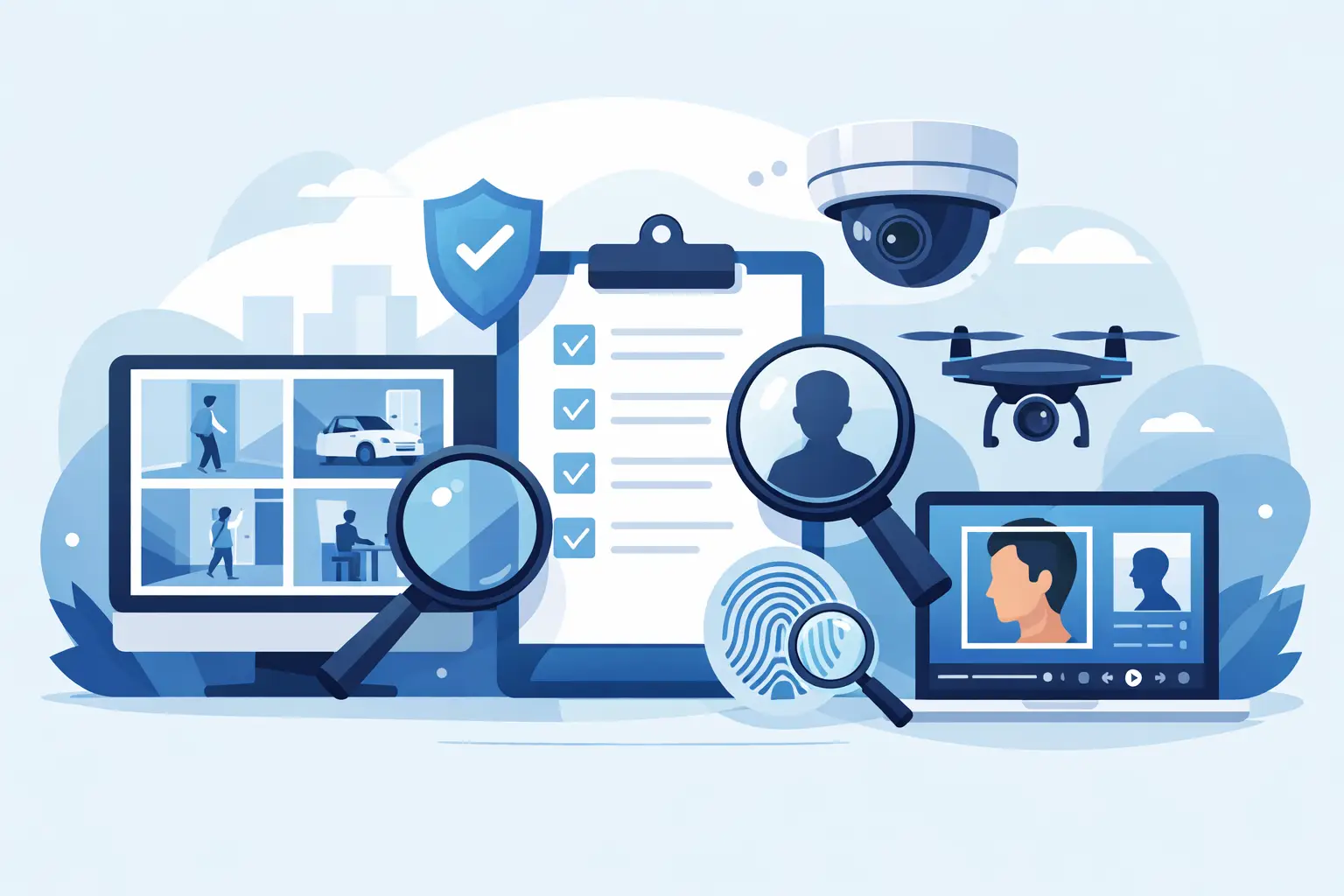
A blurry hallway frame at 2:13 a.m. is not useful by itself. What matters is whether your team can turn that frame into a defensible verification workflow – fast enough to support an incident review, and carefully enough to avoid a bad call. That is why the best tools for surveillance verification are not just search utilities. They are systems that help professionals move from image to signal to documented review.
For investigators, security teams, and property operators, the stakes are practical. You may be checking whether the same person appeared across multiple incidents, validating whether a subject in CCTV matches a public-facing profile image, or packaging findings for escalation. In those moments, speed matters. So do confidence scoring, source traceability, and clear guardrails around lawful use.
What makes the best tools for surveillance verification
The market is crowded with people-search products, generic image tools, and AI claims that sound stronger than their actual workflow value. Surveillance verification is a narrower job. It starts with low-quality source material, often involves time pressure, and usually ends with an internal report, a handoff, or a decision about whether further action is justified.
The best tools for surveillance verification tend to share five traits.
First, they work well with imperfect images. CCTV frames are rarely studio-quality. Lighting is uneven, angles are poor, and compression artifacts are common. A tool built for polished profile pictures may fail where a verification-focused system can still surface useful leads.
Second, they support human review instead of pretending automation should make the final call. That matters operationally and legally. A match signal can guide triage, but professionals still need to inspect the image, review context, and decide whether the result is strong enough to document or escalate.
Third, they preserve source context. A name without provenance is weak. A possible match tied to source links, timestamps, screenshots, and exportable evidence is much more useful in a real workflow.
Fourth, they fit the pace of incident handling. If a tool requires complicated setup, custom integrations, or heavy analyst effort just to test a lead, it will not help much in fast-moving reviews.
Fifth, they are built with compliance boundaries in mind. Surveillance verification lives in a sensitive lane. Teams need tools that support legitimate safety and investigative use while making it clear that outputs require review and should not be treated as automated determinations.
The core tool categories that actually matter
Most professional teams do not need one giant platform that claims to do everything. They need a stack that covers capture, verification, context gathering, and documentation.
1. Face matching and reverse image search tools
This is usually the first tool category teams think about, and for good reason. If you have a still image from CCTV, an access-control snapshot, or a phone photo tied to an incident, a face matching system can help determine whether public-source imagery shows the same person elsewhere.
The useful distinction is between generic face search and verification-first face search. Generic tools often optimize for broad consumer curiosity. Verification-first tools are better suited to professional use because they focus on image-only workflows, confidence-scored results, and source review. That is a stronger fit when your goal is not casual identification but incident triage and validation.
A platform such as SafetyCamAI fits this category because it is designed around face-photo and CCTV-driven workflows, with human-in-the-loop review and evidence packaging. That is a meaningful difference from consumer products that return data without helping teams validate whether a result is operationally defensible.
The trade-off is that face matching is only as strong as the source image and available public-source coverage. A poor frame may still produce weak or ambiguous signals. That does not make the tool useless. It means the right expectation is guidance for verification, not instant certainty.
2. Video and frame extraction tools
Before verification happens, teams often need to pull the right stills from footage. Good frame extraction tools help isolate the clearest face, improve crop quality, and preserve timing information. This step is less flashy than AI search, but it often determines whether the next stage works at all.
The best options make it easy to move frame by frame, export stills cleanly, and compare multiple snapshots from the same sequence. If your team reviews apartment lobbies, parking lots, retail entries, or loading docks, the ability to isolate a usable face image quickly is a force multiplier.
There is a trade-off here too. Over-processing an image can make it look cleaner while reducing evidentiary reliability. Sharpening, denoising, or enlarging may help visual review, but teams should document what was done and avoid treating enhanced imagery as if it were original-source footage.
3. Open-source context gathering tools
A face match by itself is rarely enough. Once a candidate result appears, investigators and security teams need context. Open-source intelligence tools help validate whether the matched image is current, whether the source appears credible, and whether surrounding information supports or weakens the lead.
This is where source links and traceability matter. The best systems do not just present a result. They let analysts inspect where the image appeared, compare facial features directly, and determine whether the context actually aligns with the incident under review.
This category works best when paired with discipline. Public-source data can be stale, misleading, or coincidental. Verification means checking the signal against time, location, conduct, and internal incident facts – not chasing a match because it looks promising.
4. Real-time monitoring and on-screen capture tools
Some workflows are not centered on historical footage. Teams may need to monitor public content, watch active developments, or flag emerging concerns tied to an incident. In those cases, screen-based monitoring tools can help capture relevant visuals as they appear and route them into a verification process.
For security teams, this can be useful when reviewing posts, livestream screenshots, or other publicly accessible imagery that may relate to trespass, repeat nuisance activity, or threat indicators. The value is speed. Instead of waiting for manual collection later, teams can preserve what they see and review it while the context is still fresh.
The caution is obvious. Monitoring should stay inside lawful, policy-aligned boundaries. Teams need a clear public-interest lane, documented purpose, and review standards that prevent casual overreach.
5. Evidence packaging and reporting tools
Verification does not end when a likely match appears. It ends when the result is reviewed, documented, and ready for internal decision-making or escalation. That is why evidence packaging tools belong on any serious list.
A good reporting layer should let teams export screenshots, source references, timestamps, analyst notes, and confidence indicators in a format that another reviewer can follow. This matters for chain of reasoning. If someone asks, “Why did we escalate this?” your team should be able to show the signal, the source, the review steps, and the limits.
Without this step, even strong verification work can become hard to defend later. Operational memory is short. Reports matter.
How to choose the right tool for your workflow
Start with your input material. If most of your cases begin with CCTV stills, prioritize strong frame extraction and face verification. If your team already has good still images but struggles to document findings, reporting and source-trace tools may create more value than another search subscription.
Next, look at the review model. The right tool should support human judgment, not replace it. Confidence scoring, side-by-side image comparison, and source visibility are far more useful than a black-box claim of certainty.
Then consider deployment friction. Property teams and investigators often need results without major infrastructure work. Browser-based workflows, upload-driven search, and self-serve access can be more practical than enterprise systems that require a long rollout before anyone can test a real case.
Finally, assess compliance posture. This is not window dressing. A tool should be clear about lawful use, review requirements, and what its outputs are not. If a vendor talks like the product can make final identity determinations on its own, that is a warning sign.
Common mistakes when evaluating surveillance verification tools
The first mistake is buying for volume instead of use case. A giant database claim sounds attractive, but if the tool cannot handle low-quality images or provide source context, the practical value may be limited.
The second is treating a match as a conclusion. Verification is an evidence-building process. A signal should prompt review, not shortcut it.
The third is ignoring the handoff stage. Many teams focus on search and forget that supervisors, clients, or legal stakeholders may later need to understand what was found and why it mattered.
The fourth is choosing consumer-facing products for professional incidents. Those tools may look cheaper at first, but they often create more work because they are not built around CCTV, documentation, or operational guardrails.
The best tools for surveillance verification are the ones that help your team act faster without acting carelessly. If a platform can take a rough image, surface reviewable signals, preserve source context, and package findings for a human decision, it is doing the job that matters. In security and investigations, that is the standard worth paying for.