

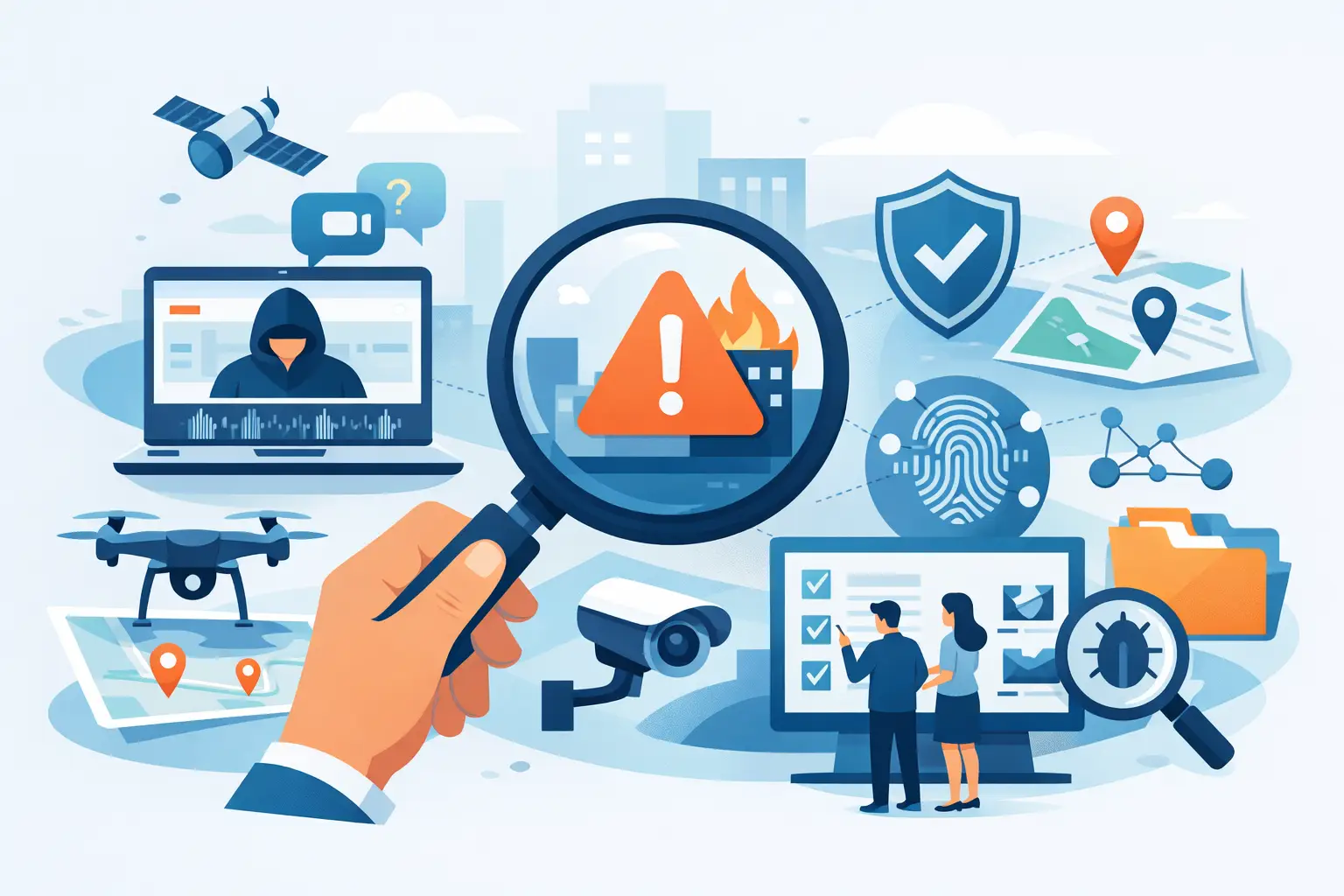
A blurry lobby frame at 11:42 p.m. rarely tells the full story on its own. The teams that resolve incidents fastest do not rely on one screenshot, one witness account, or one search result. They use the best tools for incident verification as a connected workflow – one that moves from image capture to context checking to evidence packaging without losing time or chain of reasoning.
That distinction matters. Incident verification is not the same as general research, and it is not a casual people search. For security teams, investigators, and property operators, the real job is narrower and more disciplined: confirm whether an image, event, or identity signal is credible enough to escalate, document, or close. That requires speed, but it also requires a human in the loop, source review, and clear compliance boundaries.
What the best tools for incident verification actually do
The strongest verification stack does three things well. First, it turns weak inputs into usable signals. That may mean enhancing a CCTV frame just enough to compare clothing, face angle, or movement patterns, or pulling metadata from a submitted image to test whether the claimed timeline makes sense.
Second, it helps your team validate context instead of chasing noise. A match signal without a source trail is not much use in a review meeting. A timestamp without corroboration is fragile. The right tools surface enough surrounding detail to answer the operational question: is this worth escalation, continued monitoring, or closure?
Third, it produces evidence that can survive scrutiny. Internal incident review, property management handoff, or coordination with counsel all depend on records that show what was checked, what was found, and what remains unconfirmed. Good tools reduce guesswork. Great ones make that process audit-friendly.
1. Face matching tools built for CCTV review
When your starting point is a still frame from a hallway camera or front desk feed, standard search tools usually fail. They are often built for clean profile images, broad consumer queries, or contact lookups rather than verification-first review. Professional face matching tools are different. They start with the image, return confidence-scored signals, and point users back to visible sources that can be reviewed by a human.
This category is one of the most useful tools for incident verification because it helps teams move from unknown subject to actionable lead fast. The trade-off is equally important: a match signal is not a final determination. False positives, low-quality frames, and lookalike risk all mean the result should support review, not replace it.
A platform such as SafetyCamAI fits here because it is built around image-only workflows, public-source review, and exportable evidence for incident triage. That matters for teams that need verification support rather than a consumer dossier. For security use, the winning criteria are simple: confidence scoring, source visibility, CCTV tolerance, and a workflow that keeps a human in the loop.
2. CCTV and image enhancement software
Verification often fails before it begins because the frame is too dark, the face is too small, or motion blur wipes out distinguishing features. Basic enhancement tools can help recover enough detail to support comparison. Brightness correction, sharpening, frame extraction, and crop isolation are not glamorous features, but they change the quality of the review.
There is a limit, though. Enhancement can clarify a frame, but it cannot create detail that was never captured. Teams should treat enhancement as a support function, not a miracle step. If a subject is turned away or only partly visible, the better move may be to verify through clothing, direction of travel, vehicle association, or event timing rather than force a face-based conclusion.
3. Reverse image search and source discovery tools
Not every incident starts with a face. Sometimes the issue is a posted screenshot, a profile image tied to harassment, or a circulating photo connected to a property complaint. Reverse image tools help determine whether that image appears elsewhere, whether it is older than claimed, and whether it is being reused out of context.
This is where many teams waste time with generic search behavior. The useful question is not just where else the image appears. It is whether those appearances help verify identity, timing, location, or narrative consistency. If a claimed “current threat” image has been online for years under a different context, that changes your next step immediately.
4. Metadata and file analysis tools
An image file can carry useful clues, though not always. Metadata tools can expose creation times, device information, edits, geolocation details, and file history indicators. In incident verification, that helps answer a specific set of questions: Was this likely captured when the submitter says it was? Does the file look native or resaved? Are there signs it passed through editing steps that require closer review?
The caution here is straightforward. Metadata is often stripped, altered, or absent, especially after social sharing or screenshots. That does not make the image unusable. It just means metadata should support a timeline, not define it by itself.
5. Social and open-source monitoring tools
A person of interest, disputed event, or threatening post rarely exists in isolation. Open-source monitoring tools help teams review public posts, screen names, image reuse, and conversation patterns that may confirm or challenge a reported incident. This is useful when a frame from CCTV may connect to public activity, event attendance, or repeated presence near a site.
The best use of these tools is narrow and purposeful. You are not building a broad personal profile. You are verifying whether public-source signals support a safety-related review. That distinction keeps the work in a public-interest lane and helps teams avoid drifting into irrelevant or noncompliant research.
6. Timeline reconstruction tools
Incidents become clearer when events are sequenced. Timeline tools help investigators align camera timestamps, access logs, guard notes, maintenance reports, call records, and submitted media. Once those items are ordered, contradictions show up fast. A witness may place someone on site at 9:10 p.m. while badge access, camera movement, and vehicle departure all point to a different window.
This category is underrated because it is not flashy. But in operational practice, timelines often settle whether an escalation is justified. They also help teams communicate findings clearly to supervisors, clients, or counsel without relying on memory or fragmented screenshots.
7. Evidence capture and packaging tools
Verification is only half the job. If the result cannot be documented cleanly, the value drops. Evidence packaging tools collect screenshots, source references, timestamps, match signals, analyst notes, and exportable reports into a format that others can review. That keeps handoffs clean and reduces the risk of repeating work.
This is one area where professional teams should be demanding. A useful tool should preserve what was seen, where it came from, and why it mattered to the incident. Loose browser tabs and informal notes are not enough when a case is revisited two weeks later or challenged by another stakeholder.
8. Case management and escalation tools
The final category is where verification turns into action. Case tools assign ownership, record status, preserve notes, and document escalation decisions. For apartment operators and corporate security teams, this matters because most incidents involve more than one reviewer. The person who spots the issue is often not the person who approves next steps.
Good case management keeps decisions disciplined. It shows whether the matter was closed for lack of corroboration, escalated for further review, or referred out. That creates consistency across sites and reduces ad hoc judgment.
How to choose the best tools for incident verification
The right stack depends on the incident volume, the quality of your inputs, and how often you need to defend your findings. A solo investigator may prioritize face matching, source capture, and reporting. A multi-site property group may care more about fast triage, timeline building, and exportable evidence that can move between onsite staff and regional leadership.
What should not change is the selection standard. Choose tools that are built for verification, not curiosity. That means confidence-scored outputs, visible sources, workflow speed, and compliance guardrails. It also means accepting trade-offs. The fastest tool may be weak on documentation. The most detailed one may slow frontline reviews. Usually, the best setup is a small stack that covers image review, source validation, and evidence packaging without forcing teams into disconnected systems.
One more point matters here. If a tool encourages you to skip review and trust the output blindly, it is the wrong tool for professional use. Incident verification is a decision-support process. Not a shortcut to certainty.
What strong verification looks like in practice
A strong workflow is simple enough to use under pressure. Start with the clearest available image or incident artifact. Run the verification step most likely to produce a defensible signal. Check the source context. Align the result against timeline facts. Package what you found, what you could not confirm, and what should happen next.
That discipline is what separates a useful lead from a risky assumption. The best teams are not the ones with the most software tabs open. They are the ones that can verify people faster, document what they saw, and escalate appropriately without crossing compliance lines.
The real test of any tool is not whether it produces more data. It is whether it helps your team make a faster, cleaner, and more defensible call when the facts are still forming.