

A blurry lobby screenshot at 2:13 a.m. is not a clean identity record. It is a lead, and leads are where face verification software either proves its value or creates risk. For security teams, investigators, and property operators, the job is not to guess who someone is. The job is to review an image, test whether it matches known public-source signals, and decide whether the situation deserves escalation, documentation, or a dead end.
That distinction matters. In professional environments, face verification is not about curiosity and it is not about broad consumer profiling. It is about turning a photo, a CCTV frame, or a suspicious image into a defensible next step. Done well, the software helps teams move faster without pretending that automation should make final decisions on its own.
What face verification software actually does
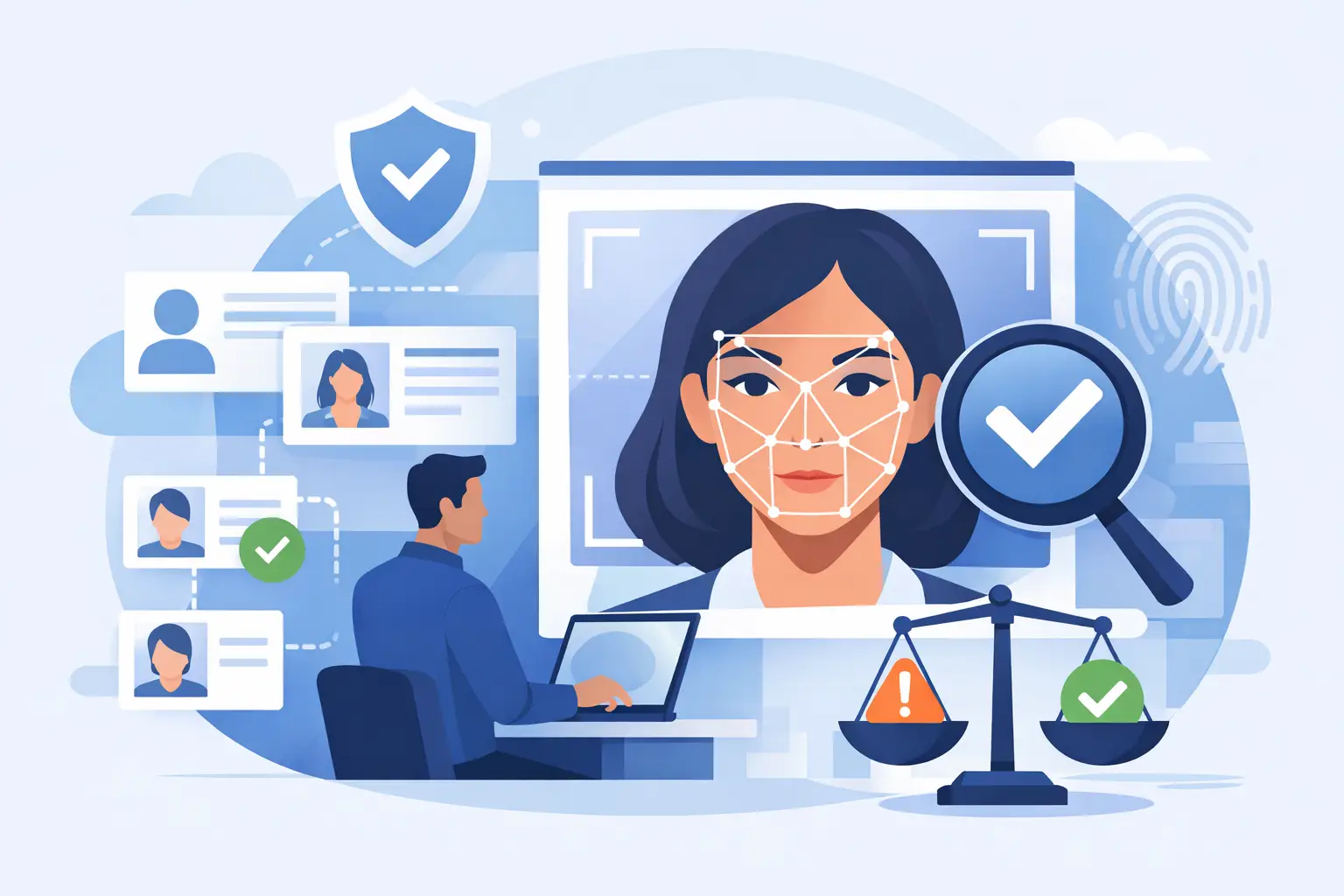
Face verification software compares one face image against other face images to estimate whether they likely show the same person. In practice, that usually means an operator uploads a still photo, crops a frame from surveillance video, or captures an image from a live review workflow. The system analyzes facial features, returns possible matches, and assigns confidence signals that help the operator decide what deserves closer review.
For professional users, the real value is not the raw match score. It is everything around it: source context, image quality handling, audit trails, exports, and workflow fit. A property manager reviewing trespass activity needs more than a technical result. They need to know whether the returned signal is tied to a usable source, whether the image is strong enough to trust, and whether the result can be packaged for internal reporting or law enforcement handoff.
That is why the best tools are verification-first. They are designed to support review, not replace it.
Why security teams use face verification software
Most operational teams are not working with studio portraits. They are working with intercom snapshots, hallway footage, parking lot cameras, social screenshots, and partial profile images. The challenge is not just finding a possible match. It is reducing the time between image capture and informed action.
In a real incident workflow, speed matters because uncertainty has a cost. A retail security team may need to check whether the same person appeared across multiple locations. A private investigator may need to validate whether an online profile image connects to a known subject. An apartment operator may need to review whether a person tied to repeated after-hours activity appears in public-facing image sources that support a stronger internal report.
Face verification software shortens that cycle. Instead of manually searching platforms one by one, teams can test an image against permitted public sources, review confidence-scored results, and decide whether there is enough signal to move forward. That does not mean every search produces a useful outcome. It means weak leads can be ruled out faster, and stronger leads can be documented while the trail is still fresh.
What separates useful tools from risky ones
A lot of software claims to identify people. That framing is a problem. In professional safety work, a tool should help verify or disprove a lead, not present itself as a magic identity engine.
The difference shows up in product design. Good face verification software keeps a human in the loop. It presents likely matches, source links, and evidence packages that can be reviewed by an investigator or analyst. It does not encourage blind acceptance of a score. It also makes clear what lane it serves. A platform built for public-interest safety review, incident triage, and investigative verification is very different from a consumer people-search product making broad personal claims.
Compliance boundaries matter just as much as model quality. Teams need to know what sources are being scanned, what data is retained, what logs are available, and how the system is intended to be used. If a product is vague on those points, the operational risk grows quickly. A fast result is not helpful if it creates exposure for your team later.
Where image quality changes the outcome
The most common mistake buyers make is assuming face verification accuracy is a fixed number. It is not. It depends heavily on the input.
A well-lit, front-facing image with a visible jawline, eyes, and nose will usually produce stronger results than a side-angle frame from an overhead camera. Hats, masks, motion blur, compression artifacts, and poor lighting can all reduce confidence. CCTV adds another layer of difficulty because many cameras were installed for coverage, not facial detail.
That does not make surveillance-driven verification useless. It means expectations need to be realistic. In many workflows, the software is best used to prioritize review, not to declare certainty. A moderate-confidence signal tied to a relevant public source can still be operationally valuable if it helps an investigator focus attention, compare additional images, or build a timeline.
This is where tooling matters. Systems built for real-world security use should make it easy to crop faces from noisy frames, compare multiple candidate images, and preserve the original evidence context. That is more useful than polished dashboards that only perform well on ideal photos.
How face verification software fits into a real workflow
The strongest products do not force teams to rebuild their process. They fit the process teams already have: capture, review, verify, document, escalate.
A typical workflow starts with an image from CCTV, a social screenshot, a mobile photo, or a report attachment. The operator uploads the image and reviews candidate matches returned from permitted public sources. Next comes source validation. Are the returned images visually consistent? Is the surrounding context relevant? Does the confidence score align with what a trained reviewer sees, or is it likely noise?
From there, the case either stops or moves forward. If the lead looks weak, it can be closed with a record of what was checked. If the lead looks credible, the operator can export evidence, log source references, and hand the package to a supervisor, investigator, property leadership team, or law enforcement contact as appropriate.
That packaging step is often overlooked, but it is one of the main reasons professionals adopt these tools. Search without documentation creates memory. Search with evidence creates workflow.
What to look for before you buy
If you are evaluating face verification software, look past marketing language and focus on operational fit.
First, check whether the platform is image-first. Security and investigative teams often start with a face photo, not a name, phone number, or email. If the product is built around consumer identity enrichment rather than image verification, it may not serve surveillance-driven workflows well.
Second, ask how the system handles confidence and review. You want scored match signals, but you also want transparency. A usable platform should help an analyst compare images, inspect source context, and make a decision with oversight.
Third, look closely at evidence handling. Can your team export findings in a format that supports internal reporting or escalation? Can you preserve source references and timestamps? If not, your analysts may still end up recreating the case manually.
Fourth, evaluate compliance posture. This is not just legal fine print. It affects how safely your team can operate. A serious vendor should be clear about intended use, lawful access boundaries, and the fact that verification signals require human review. It should also avoid presenting itself as a consumer reporting agency if that is not the lane it serves.
Finally, consider whether the tool supports the way your team actually works. A private investigator may need quick single-case lookups. A multi-site property group may need shared access, review history, and audit-friendly exports. A corporate security team may want automation or API support at volume. The right choice depends on the workload, not just the feature sheet.
The trade-off between speed and certainty
Every team wants faster answers. The mistake is treating speed and certainty as the same thing.
Face verification software is valuable because it compresses the time it takes to test a lead. But a fast signal is still a signal. It may be strong, weak, or misleading depending on image quality, source coverage, and reviewer discipline. That is why the best operational posture is simple: move quickly, validate carefully, and document what you did.
For many teams, that balance is the difference between a useful tool and a liability. A verification-first platform with human review, source-backed results, and exportable evidence is built for that balance. SafetyCamAI takes that approach by focusing on image-led verification workflows, public-interest use cases, and audit-friendly case handling rather than broad consumer identity claims.
If your work starts with a face in a photo or a frame from CCTV, the right software should help you answer a practical question: is there enough verified signal here to act, or enough doubt to hold back? That is the standard that keeps investigations sharper, reporting cleaner, and escalation decisions easier to defend.